
Admin Portal:
1. Log in to the admin portal with your username and password.
2. Scroll to the bottom of your patient list, where there is a list of “removed patient accounts”.
3. Click on the green trash can with the up arrow to restore the patient list.
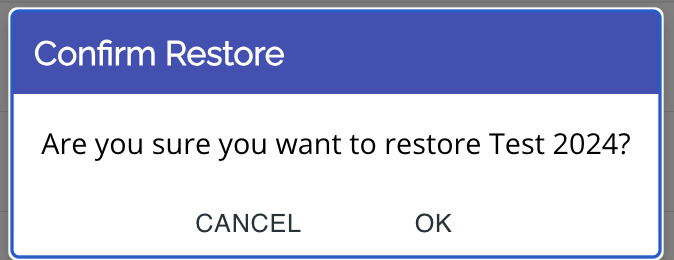
4. Press "ok" on the "confirm restore" popup.
5. The patient will now be back in your patient list.
Note: You can also search for the missing patient in the search bar at the top of your patient list.

iOS App:
1. Log into the app with your username and password or QR code.
2. Select "view data" in the dashboard menu.
3. Scroll to the bottom of your patient list, where there is a list of “removed patient accounts”.
4. Click on the green trash can with the up arrow to restore the patient list.
5. Press "ok" on the "confirm restore" popup.
6. The patient will now be back in your patient list.